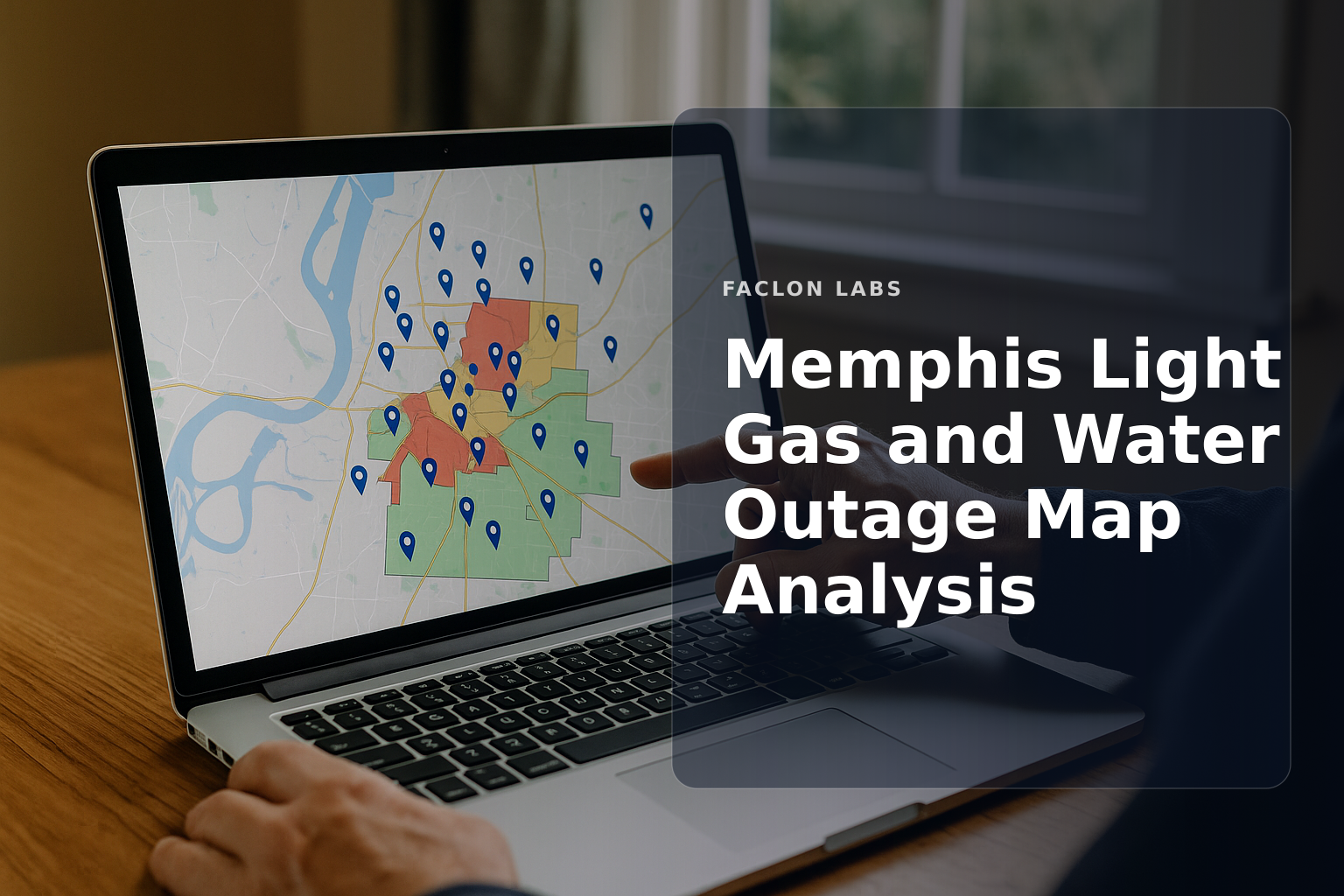
Quick answer: The Memphis Light Gas and Water outage map is an interactive digital tool that displays current power, gas, and water outages across Shelby County. It shows affected areas, the number of customers impacted, and estimated restoration times, helping residents and businesses stay informed during service interruptions.
The Memphis Light Gas and Water (MLGW) outage map is a critical resource for customers who want real-time information about utility service disruptions. As power, gas, and water outages can affect safety and operations, having immediate access to outage data helps residents and plant operations leaders understand the scope and expected duration of interruptions. This map consolidates outage reports and restoration progress in a clear, visual format.
Understanding how to use the MLGW outage map, report outages, and interpret restoration updates empowers users to respond effectively during outages. This article explains the map’s purpose, navigation tips, reporting procedures, and how to prepare for and react to outages.
What is the Memphis Light Gas and Water Outage Map?
Defining the MLGW outage map as an interactive digital tool
The MLGW outage map is an online, interactive platform that visually represents current outages within Memphis and Shelby County. It aggregates data from customer reports, field crews, and system monitoring to provide a live overview of service interruptions.
Purpose and key functionalities for customers
- Displays active outages for electricity, gas, and water services.
- Shows affected neighborhoods and the estimated number of customers impacted.
- Provides estimated restoration times and updates on repair progress.
- Offers a centralized location for outage-related information and customer support contacts.
Types of information displayed
| Information Type |
Description |
| Affected Areas |
Geographic zones currently experiencing outages |
| Customer Count |
Number of customers without service |
| Outage Status |
Stages such as reported, assigned, in progress, restored |
| Estimated Restoration |
Projected time when service will be restored |
This map helps customers track service status and plan accordingly during outages [Memphis Light, Gas and Water - Outage Map].
How to Access and Navigate the MLGW Outage Map
Step-by-step guide to finding the official MLGW outage map
- Visit the official MLGW website at mlgw.com.
- Navigate to the "Outage Center" section or directly access the outage map via https://www.mlgw.com/outagemap.
- The map loads automatically, showing current outage locations and details.
Understanding map symbols, colors, and filters
- Colors: Different colors indicate outage severity or status (e.g., red for active outages, green for restored).
- Symbols: Icons mark outage clusters or crew locations.
- Filters: Users can filter by service type (electric, gas, water) or by status to focus on relevant information.
Tips for effective navigation on desktop and mobile devices
- Zoom in/out to see specific neighborhoods or the entire Shelby County.
- Use the filter menu to customize the view.
- On mobile, tap icons for popup details; on desktop, hover or click for more info.
- Refresh the map regularly for updates during ongoing outages.
Reporting an Outage to MLGW
Official methods for reporting a power outage
- Call the Outage Hotline at 901-544-6500 for immediate reporting.
- Use the online outage reporting portal on the MLGW website.
- Report gas leaks or emergencies via the emergency number 901-528-4465.
Information needed when reporting an outage
- Exact address or location of the outage.
- Description of the problem (e.g., no power, gas smell, water disruption).
- Contact information for follow-up if needed.
What to do if your outage isn't reflected on the map
If your outage does not appear on the map, report it promptly using the methods above. Newly reported outages may take time to verify and update on the system [Memphis Light, Gas and Water - Report An Electric Outage].
Understanding Outage Status and Restoration Estimates
Interpreting different outage statuses
| Status |
Meaning |
| Reported |
Outage has been reported by customers |
| Assigned |
Repair crews have been dispatched |
| In Progress |
Crews are actively working to restore service |
| Restored |
Service has been successfully restored |
Factors influencing estimated restoration times
- Severity and cause of the outage (weather, equipment failure).
- Availability and location of repair crews.
- Safety conditions and accessibility of affected areas.
Why estimated times can change and what it means for customers
Restoration estimates are initial projections that may shift due to unforeseen complications or resource constraints. Customers should monitor updates regularly and prepare for possible extended outages [Memphis Light, Gas and Water - Outage Center Home].
Preparing for and Responding to Power Outages
Essential steps for outage preparedness
- Assemble an emergency kit with flashlights, batteries, water, and non-perishable food.
- Develop a communication plan with family or coworkers.
- Keep mobile devices charged and have backup power options.
Safety guidelines during a power outage
- Use generators outdoors and away from windows to prevent carbon monoxide poisoning.
- Avoid opening refrigerators and freezers frequently to preserve food.
- Follow official safety announcements and avoid downed power lines.
Post-outage considerations and reporting lingering issues
Why is my MLGW power outage not on the map?
Common reasons an outage might not immediately appear
- The outage is newly reported and still being verified.
- It affects a very small number of customers not yet aggregated on the map.
- Technical delays in updating the outage data.
The process of reporting and verification for new outages
Once reported, MLGW dispatches crews to confirm the outage and assess the cause before updating the map. This ensures data accuracy and prioritizes critical repairs.
When and how to follow up if your outage remains unlisted
If your outage remains unlisted after reporting, call the Outage Hotline again for status updates. Persistence helps ensure your issue receives attention [Memphis Light, Gas and Water - Report An Electric Outage].
Key takeaways
- The MLGW outage map provides real-time visualization of electricity, gas, and water service disruptions in Shelby County.
- Users can access the map easily online and interpret outage status through clear symbols and colors.
- Reporting outages promptly via phone or online helps ensure accurate map updates and faster restoration.
- Restoration times vary based on outage cause, crew availability, and safety factors.
- Preparing for outages and following safety guidelines minimizes risks during service interruptions.
For plant operations leaders and residents alike, staying informed with the Memphis Light Gas and Water outage map is essential for managing disruptions effectively. Bookmark the official outage map and reporting pages to quickly access the latest information whenever needed.
Frequently asked questions
How do I check the MLGW power outage map?
You can check the MLGW power outage map by visiting the official Memphis Light, Gas and Water website (mlgw.com) and navigating to their 'Outage Center' or directly accessing the map at outagemap.mlgw.org. The map provides real-time updates on service disruptions across Shelby County.
What information does the MLGW outage map provide?
The MLGW outage map typically shows the geographic areas affected by outages, the number of customers without power, and estimated times for power restoration. It uses various symbols or colors to indicate the status and severity of different outage incidents.
How do I report a power outage to MLGW?
To report a power outage to MLGW, you can call their Outage Hotline at (901) 544-6500 or their emergency number at (901) 528-4465. You may also be able to report an outage online through their official website's Outage Center.
Why is my MLGW power outage not on the map?
If your MLGW power outage is not immediately visible on the map, it could be due to a few reasons: it might be a localized issue affecting only your property, the system may not have updated yet, or MLGW might not yet be aware of your specific outage. It's always best to report your outage directly, even if it's not on the map.
What should I do during a power outage?
During a power outage, it's important to stay safe. Turn off or unplug sensitive electronics, avoid opening refrigerators and freezers unnecessarily, use flashlights instead of candles, and check on vulnerable neighbors. Only use generators outdoors and away from windows to prevent carbon monoxide poisoning.
Sources
.svg)