Join Our Lunch & Learn: How Agentic AI Will Transform Industrial Operations | Register Now →
.svg)
August 11, 2026
5 Mins
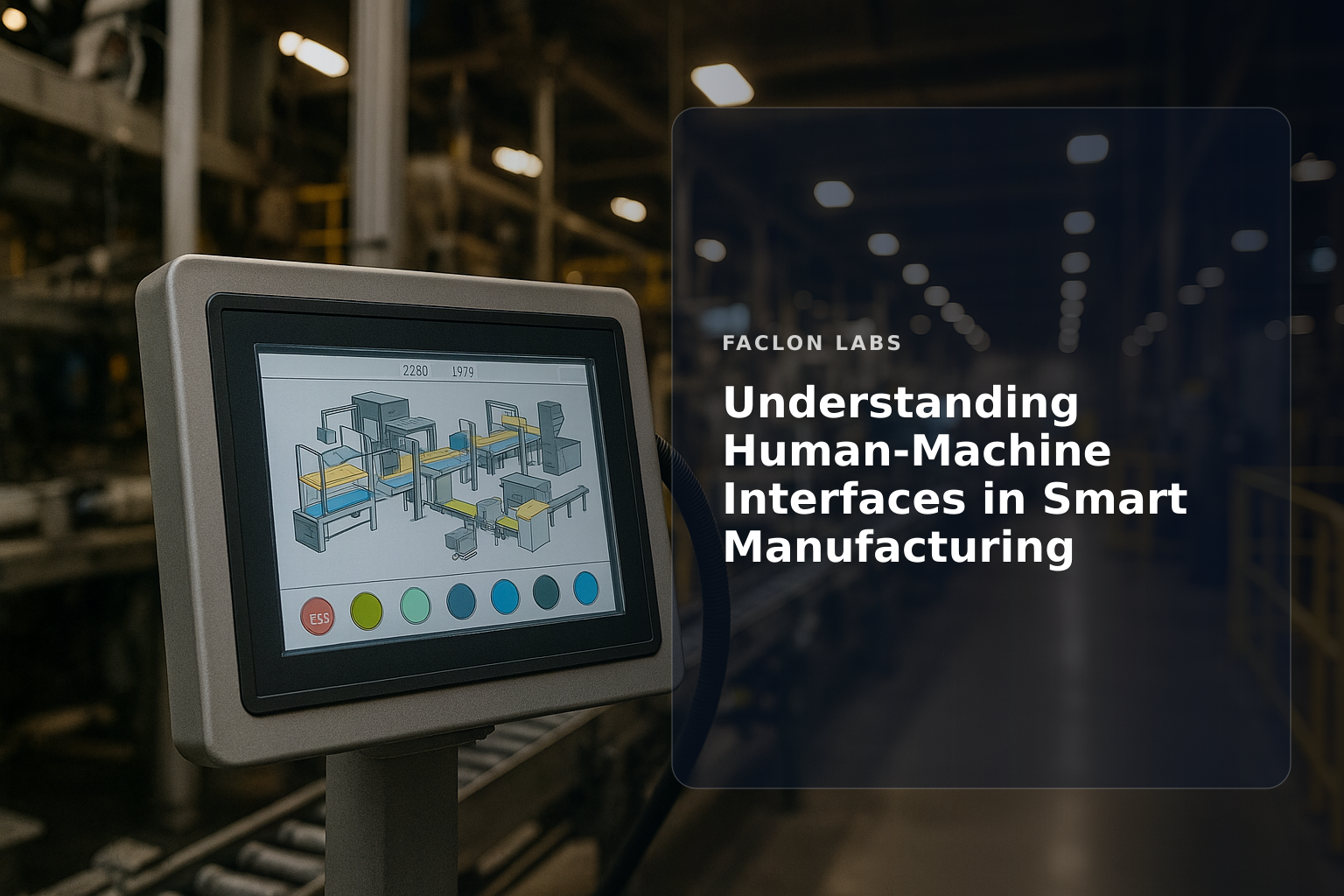
Human-machine interfaces (HMIs) have become foundational in modern industrial operations, particularly as manufacturing evolves towards smarter, more connected systems. Understanding HMIs is essential for plant operations leaders who seek to improve process visibility, control, and safety without overwhelming operators. This article breaks down what HMIs are, their role in industry, and how they are shaping the future of smart manufacturing.
At its core, a human-machine interface (HMI) is the medium through which a human operator interacts with a machine or industrial system. This interaction can be physical, such as pressing buttons on a control panel, or digital, like navigating a touchscreen dashboard. HMIs translate complex machine data into understandable visual formats and allow operators to input commands or adjust processes.
Originally, HMIs were simple physical controls—levers, switches, and indicator lights—that provided basic machine feedback and manual control. Over time, these evolved into graphical user interfaces on industrial PCs and dedicated panels, offering richer data visualization and more intuitive control options. Today’s HMIs often feature advanced software dashboards with real-time analytics and remote access capabilities.
An effective HMI system typically includes:
Together, these components create a user-friendly interface tailored to the operational context.
While HMIs are interfaces for operator interaction, Supervisory Control and Data Acquisition (SCADA) systems manage data collection and control at a higher supervisory level, often integrating multiple HMIs. Programmable Logic Controllers (PLCs), on the other hand, are industrial computers that execute control logic. HMIs serve as the human-facing layer that connects operators to these underlying control systems Industrial Automation and Its Role in Modern Factories.
HMIs provide operators with up-to-the-second information about machine status, process variables, and production metrics. This visibility supports timely decision-making and rapid response to changing conditions.
Operators can use HMIs to adjust machine settings, start or stop equipment, and manage workflows directly from the interface, reducing the need for manual intervention on the factory floor.
HMIs alert operators to abnormal conditions or faults through alarms and notifications. They also log events for traceability and post-incident analysis, enhancing compliance and continuous improvement.
By aggregating complex data into intuitive visual formats, HMIs improve situational awareness. Operators can quickly grasp system health and prioritize actions effectively.
Well-designed HMIs minimize operator errors by providing clear instructions, warnings, and feedback. This contributes to safer operations and reduces downtime caused by mistakes.
These are fixed interfaces installed directly on or near machinery, offering robust, industrial-grade hardware designed for harsh environments.
Increasingly, HMIs are accessible via mobile devices or web browsers, enabling operators and managers to monitor and control processes remotely.
Touchscreens are now standard for HMIs, offering intuitive interaction. Emerging technologies include gesture controls, which allow hands-free operation in specific contexts.
AR and VR interfaces are beginning to augment traditional HMIs by overlaying digital information onto physical equipment or creating immersive virtual environments for training and complex diagnostics Top Manufacturing Execution Software for Industrial Plants.
HMIs increasingly connect with IoT sensors embedded in machinery, collecting vast amounts of data that feed into dashboards for comprehensive monitoring.
Advanced HMIs incorporate analytics tools that help predict equipment failures, optimize maintenance schedules, and improve production quality.
By linking HMIs across machines and plants, manufacturers create connected operations that facilitate coordinated control and data sharing across the enterprise.
HMIs enable interaction with digital twins—virtual replicas of physical assets—allowing operators to simulate and optimize processes before applying changes on the floor Choosing the Right Operational Software for Your Plant.
Effective HMIs focus on the operator’s needs, workflows, and environment, ensuring ease of use and minimizing training requirements.
Logical screen layouts with prioritized information help operators find critical data quickly and reduce cognitive load.
Consistent use of colors and icons supports rapid interpretation of alarms and statuses. Graphs and gauges should be clear and contextually relevant.
Designs should accommodate varying operator skill levels and reduce unnecessary complexity, improving overall efficiency and safety.
As HMIs become networked and remote-accessible, securing them against cyber threats is critical to protect operational integrity.
Diverse equipment and protocols require HMIs to support interoperability standards such as IEC 63303:2024 to ensure seamless integration across systems.
AI-powered HMIs are emerging that adapt interfaces based on operator behavior and provide predictive recommendations, enhancing decision-making.
Future HMIs will likely offer customizable dashboards and workflows tailored to individual operators’ roles and preferences, increasing productivity and reducing errors.
| HMI Type | Description | Typical Use Case | Advantages |
|---|---|---|---|
| Panel-mounted HMIs | Fixed industrial displays | Machine-level control | Rugged, reliable, real-time |
| Industrial PCs | Full-fledged computers with HMI software | Complex visualization and control | Flexible, powerful |
| Mobile/web-based HMIs | Remote access via smartphones/tablets | Remote monitoring and control | Convenience, mobility |
| Touchscreen interfaces | Interactive screens | Operator input and navigation | Intuitive, fast interaction |
| AR/VR HMIs | Augmented or virtual reality overlays | Training, diagnostics, complex tasks | Immersive, enhanced visualization |
Understanding human-machine interfaces is fundamental for plant leaders aiming to optimize smart manufacturing operations. Explore how tailored HMIs can improve your plant’s visibility, control, and safety to support better decision-making and operational excellence. For deeper insights on designing high-performance HMIs, check out our guides on and Industrial Automation and Its Role in Modern Factories.
The main purpose of a Human-Machine Interface (HMI) is to provide a visual and interactive platform for operators to monitor, control, and interact with industrial machinery and processes. It translates complex machine data into easily understandable graphics and allows for real-time operational adjustments.
While HMIs and SCADA (Supervisory Control and Data Acquisition) systems are related, an HMI is typically a component of a SCADA system. An HMI focuses on the graphical interface for operator interaction, whereas SCADA encompasses a broader system including data acquisition, control logic, and communication networks across a wider area.
Yes, modern HMIs increasingly offer remote access capabilities through web-based interfaces, mobile applications, or secure network connections. This allows operators and supervisors to monitor and control industrial processes from off-site locations, enhancing flexibility and responsiveness.
Human-Machine Interfaces are widely used across almost all industrial sectors. This includes manufacturing, energy (oil & gas, power generation), water and wastewater treatment, pharmaceuticals, food and beverage, automotive, and building automation, among others.
Integrating HMIs with the Industrial Internet of Things (IIoT) enables richer data visualization from connected sensors, provides deeper insights into operational performance, supports predictive maintenance strategies, and facilitates more agile and data-driven decision-making across the plant floor.